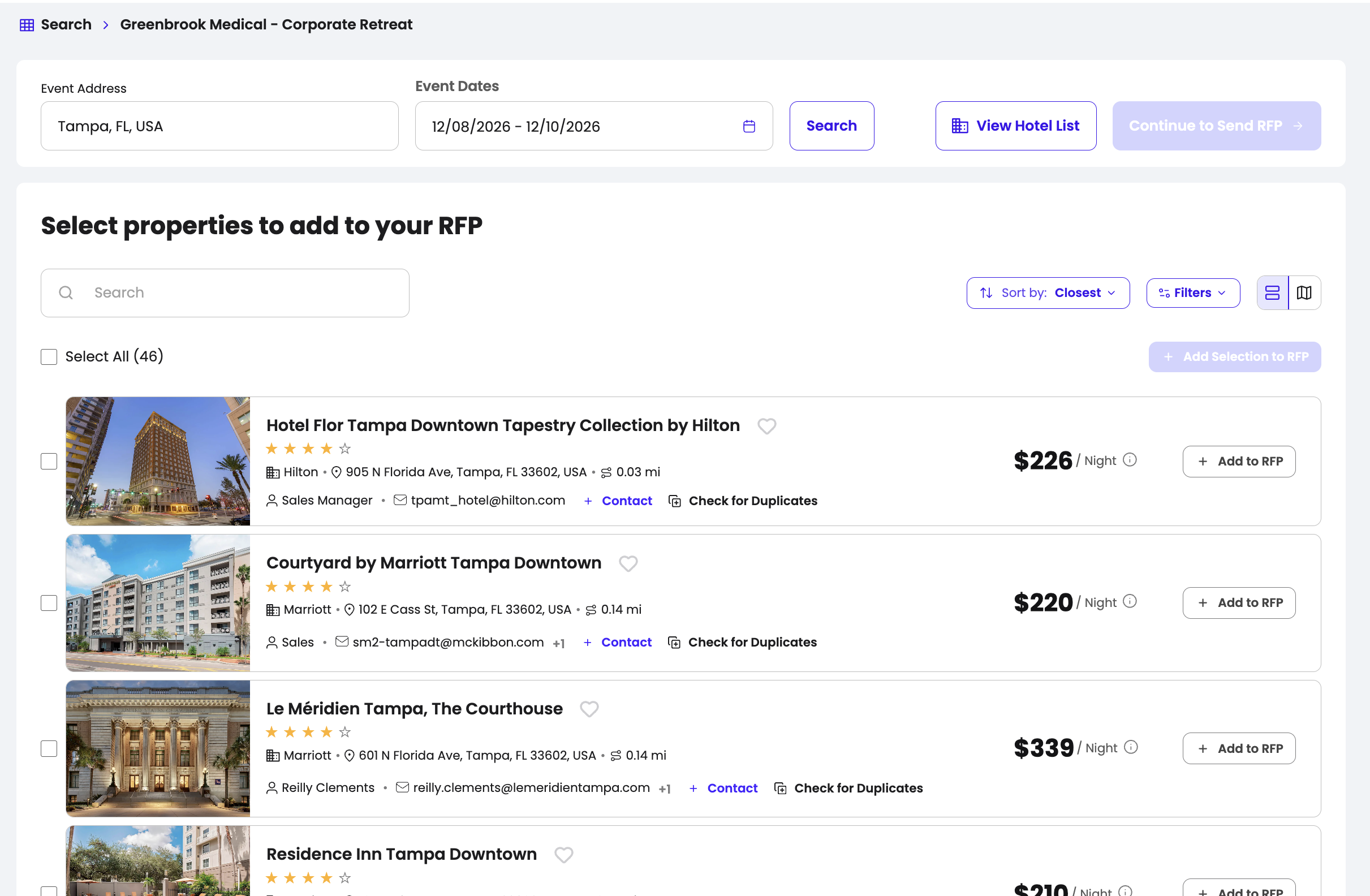
When creating an RFP, Launchpad automatically shows hotels based on their distance from your event venue, making it easy to find the most relevant options.
You can customize your search by:
- Adjusting the radius to expand or narrow the area around your venue.
- Searching for a specific hotel by name.
- Using Map View to explore hotels based on their exact location.
- Filtering by chain, distance, and price to quickly narrow down your options and find the best fit for your event.
With these tools, you can easily build a targeted hotel list and send your RFP to the properties that best match your needs.
If you’d like to work with a hotel that isn’t currently available, you can let us know and we’ll work on getting it added to the platform.
Simply submit the Sign Up / Hotel Request form to share the hotel details with our team. You can also email us at launchpad@crewfare.com with the subject line “Missing Hotel + Hotel Name”, and we’ll jump in as quickly as possible!
Was this article helpful?
That’s Great!
Thank you for your feedback
Sorry! We couldn't be helpful
Thank you for your feedback
Feedback sent
We appreciate your effort and will try to fix the article